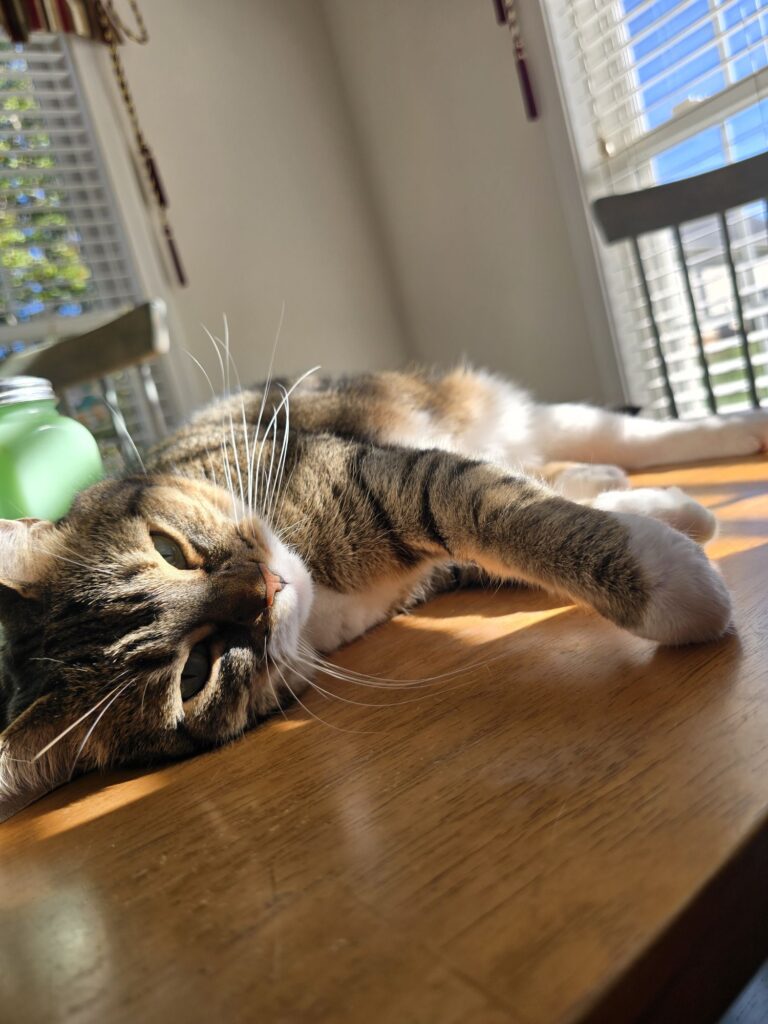
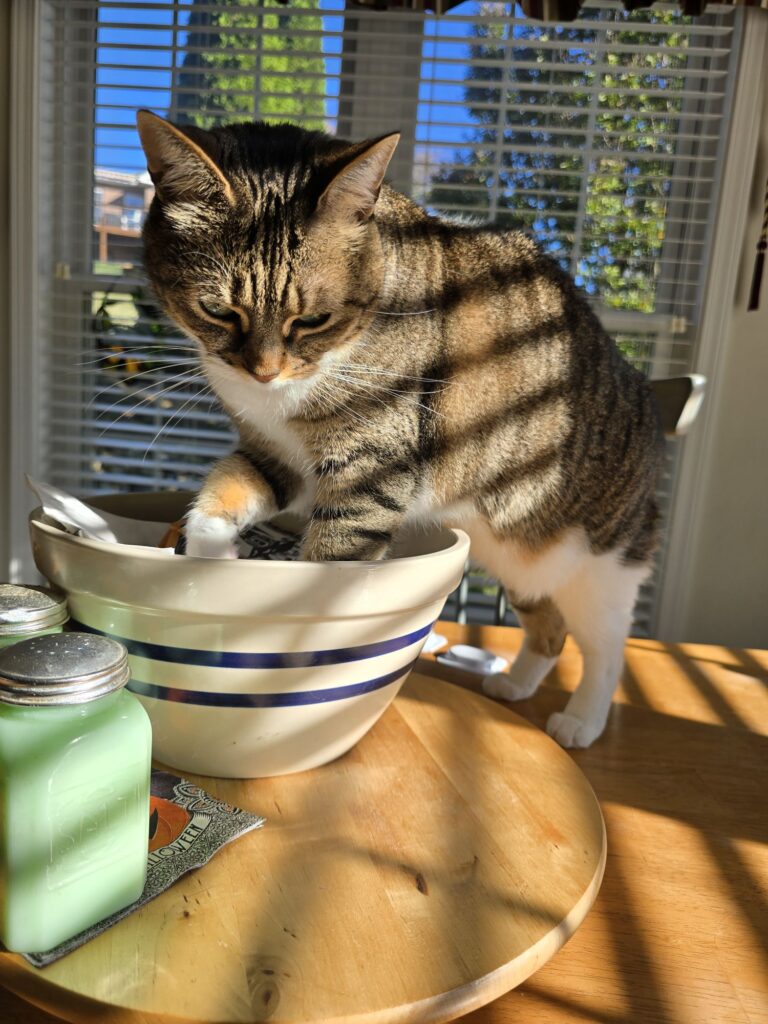
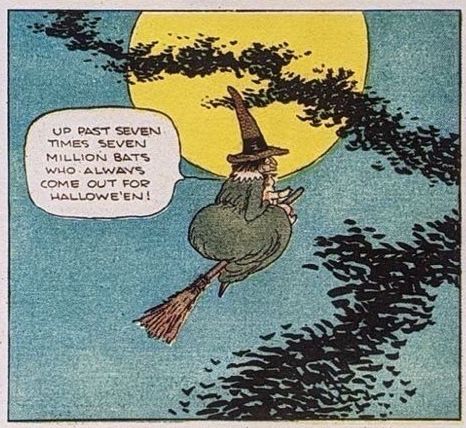
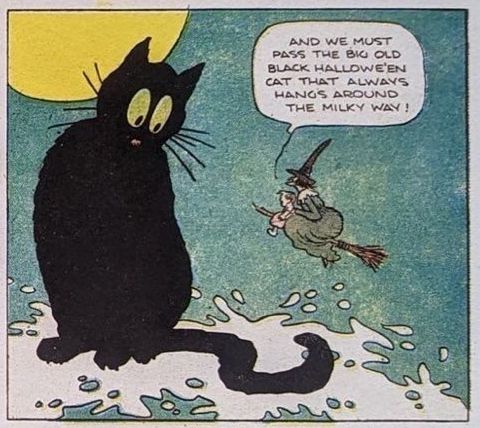
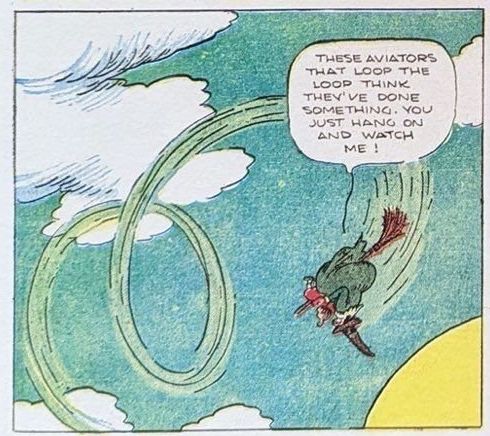
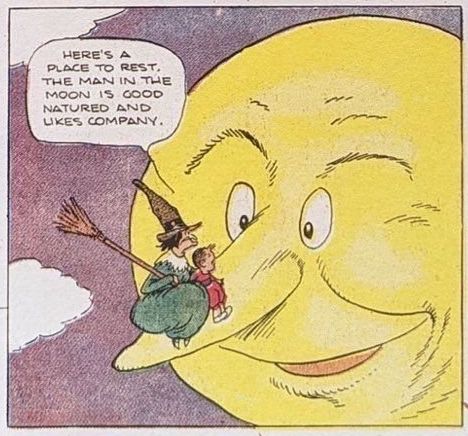
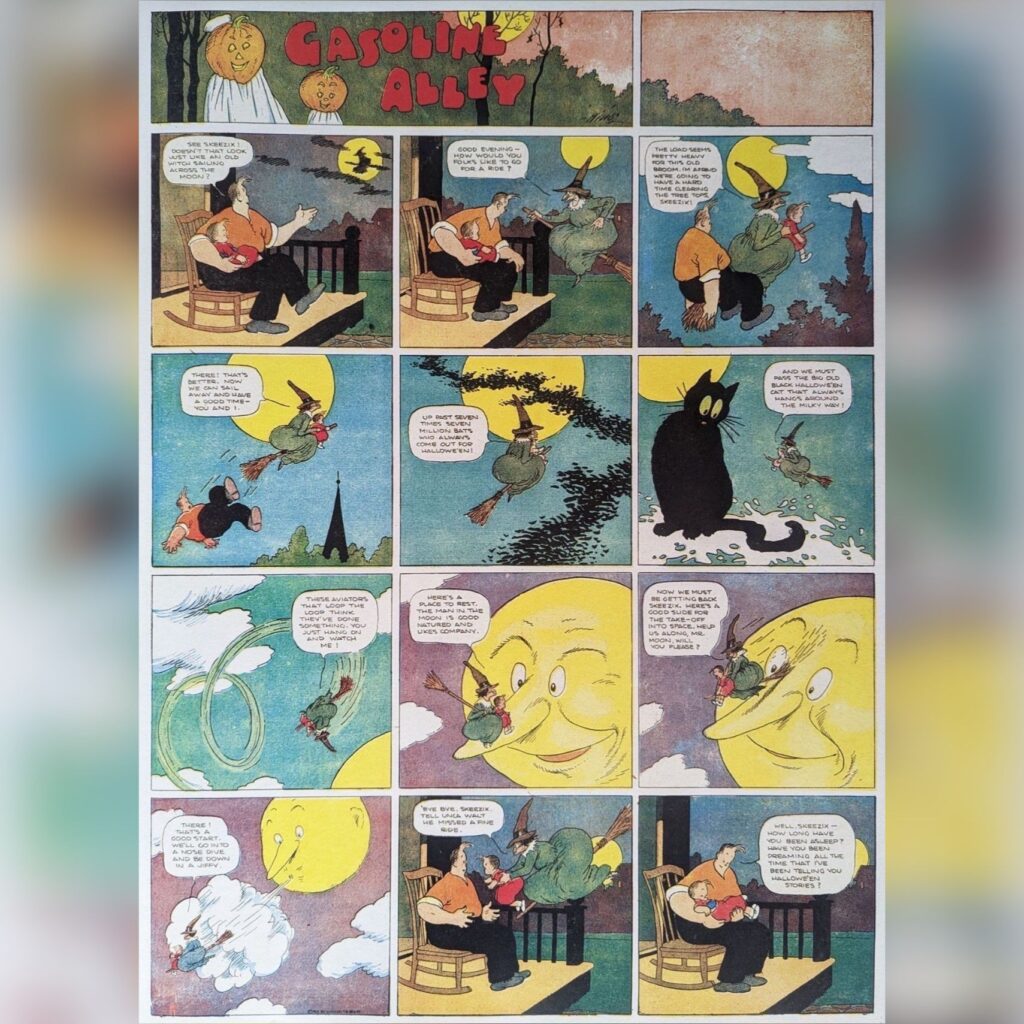
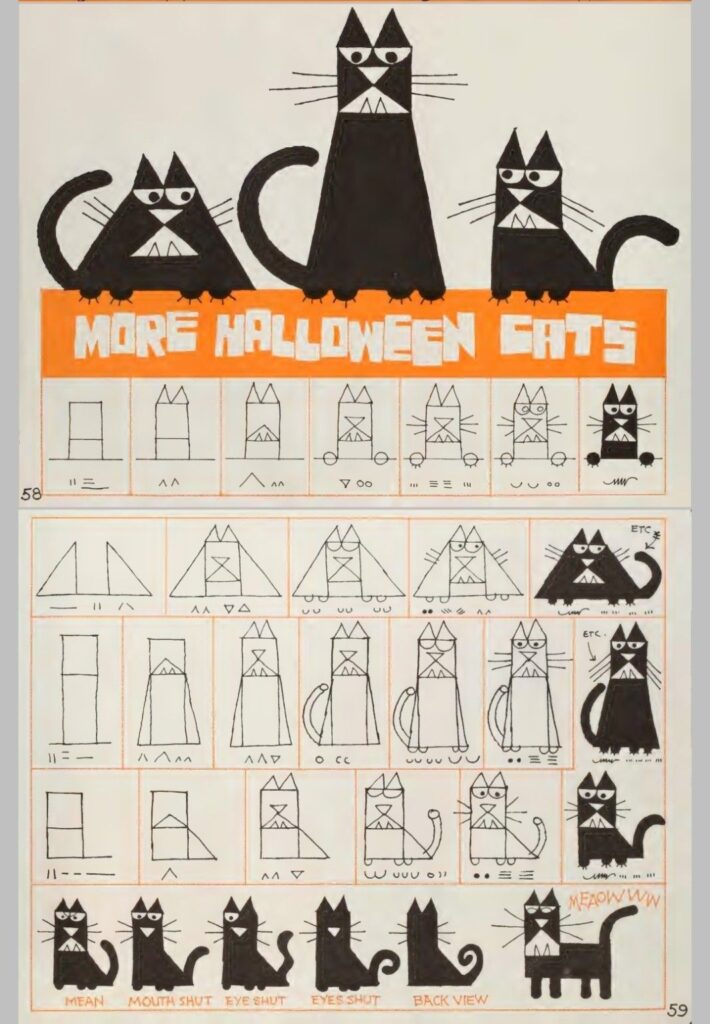
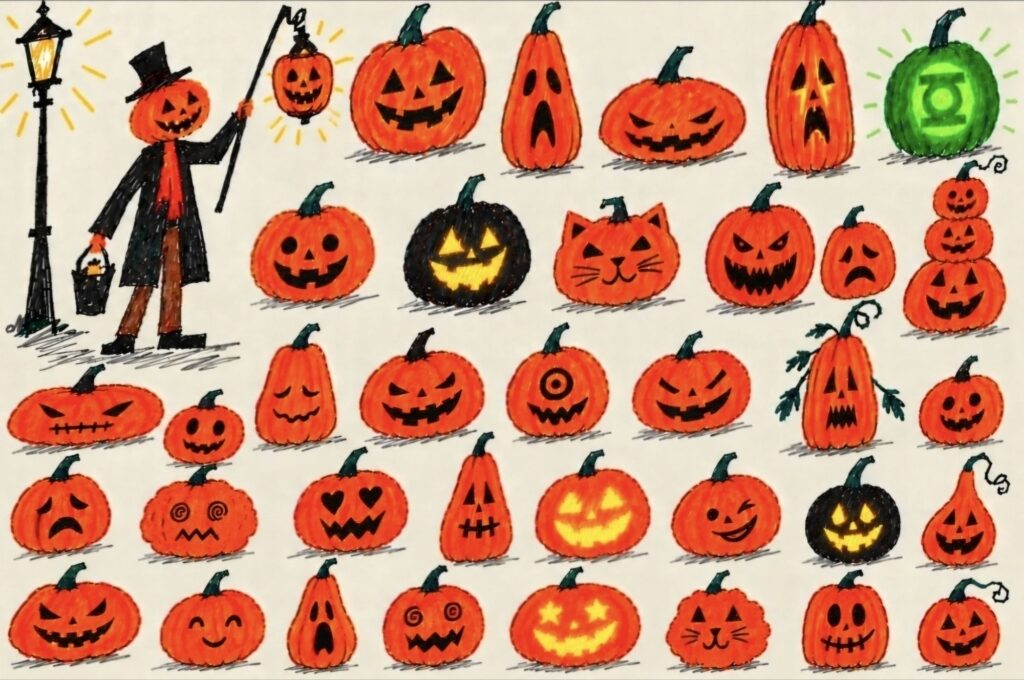
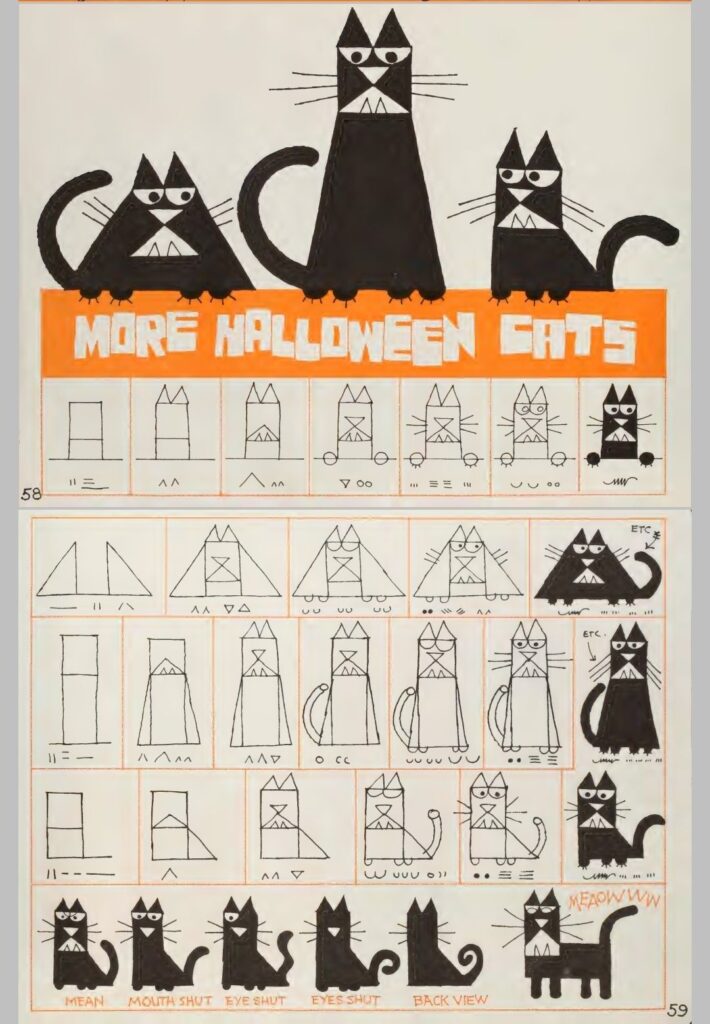
Kitty is new to me, not sure which of the venison brood came by
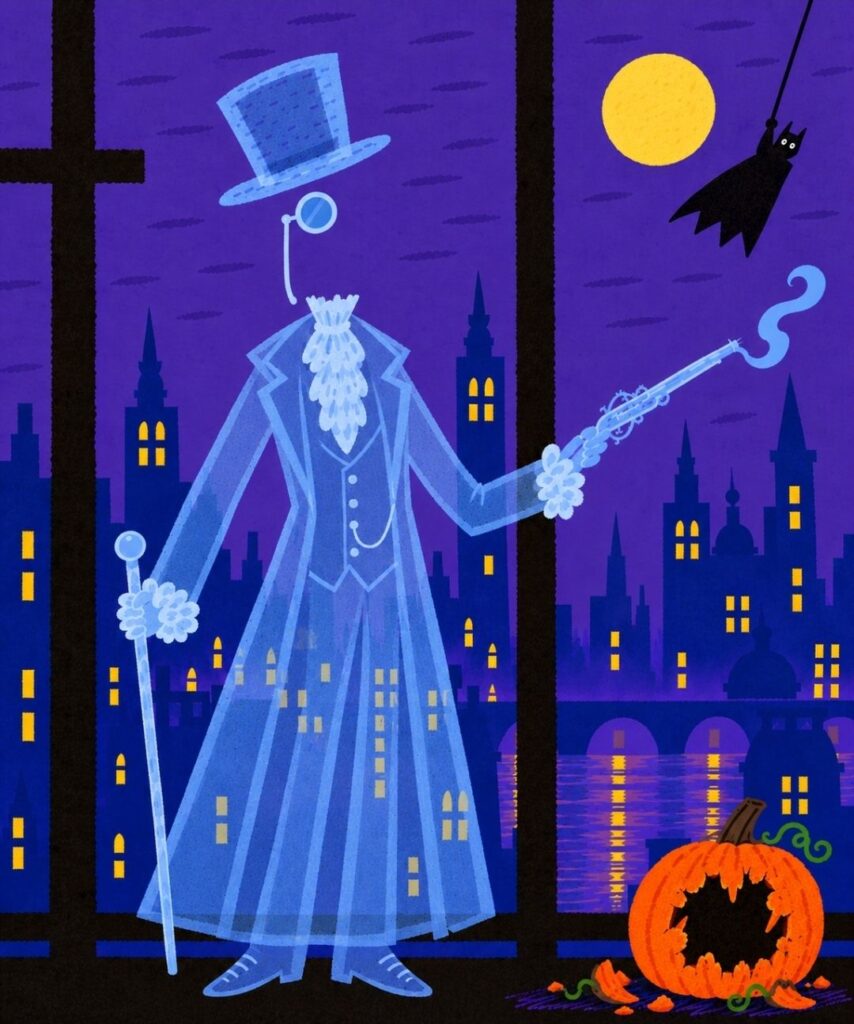
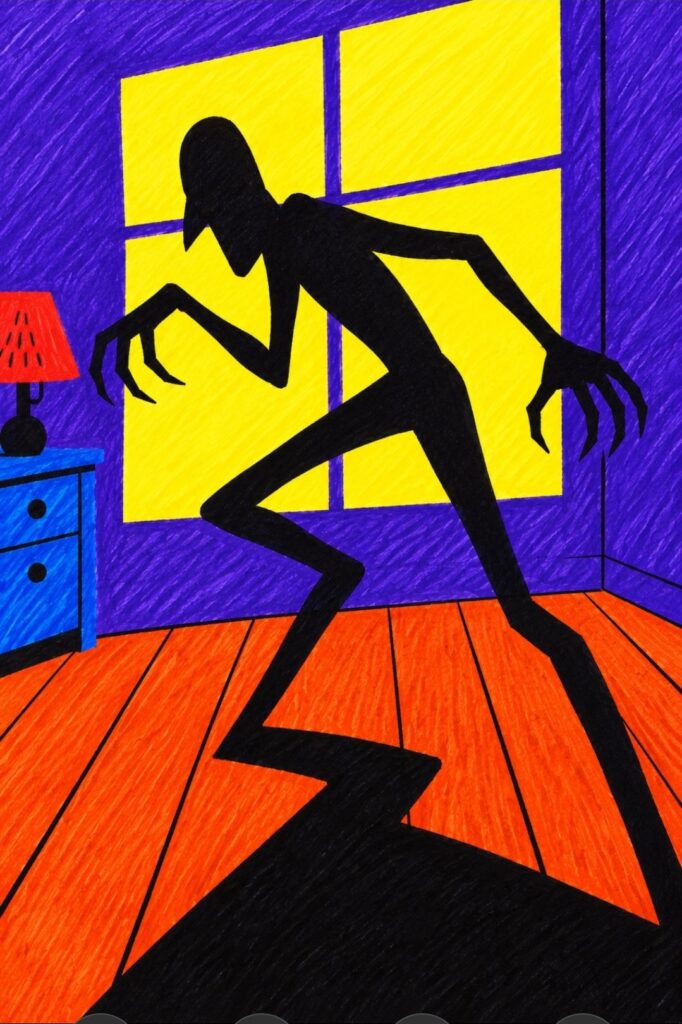
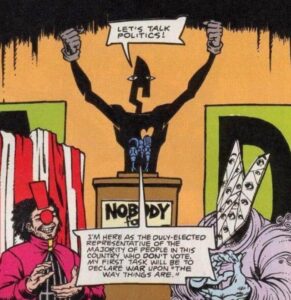
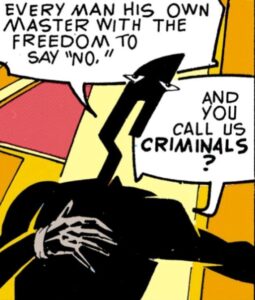
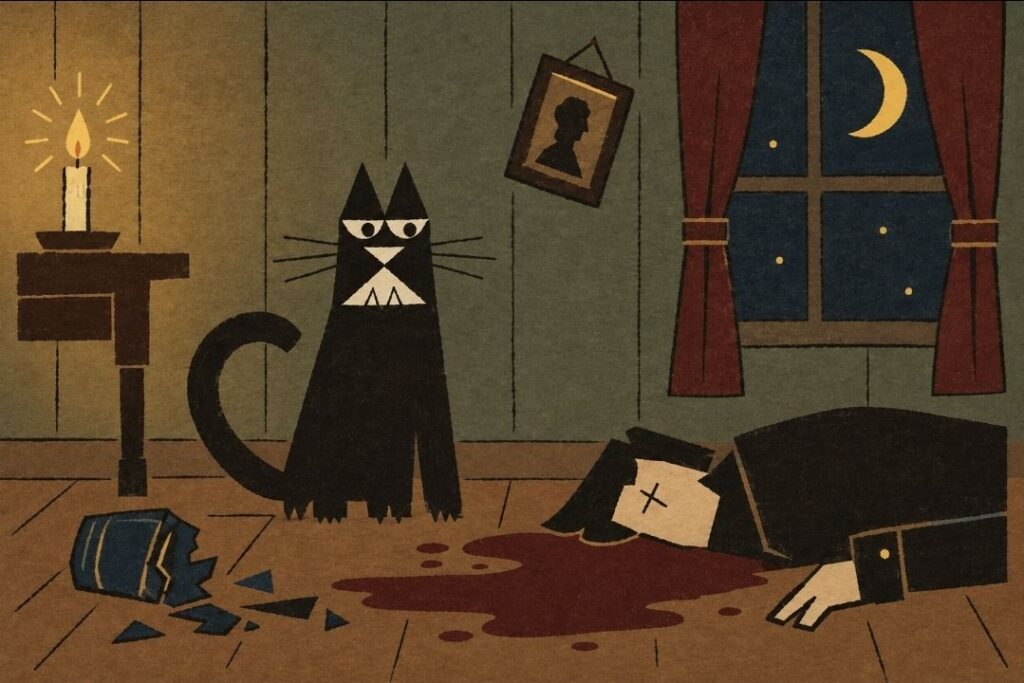
“The Hangman” from 1964 based on the poem by Maurice Ogden. Film made by Les Goldman and Paul Julian. “The 1964 animated short film Hangman, directed by Paul Julian and Les Goldman, is a 16.4K cautionary tale about apathy and complicity, based on Maurice Ogden’s 1951 poem. It depicts a mysterious figure erecting a gallows in a town square, systematically executing citizens while the fearful populace: remains silent, only for the narrator to realize he is next.”
The ending of "The Hangman" from 1964 based on the poem by Maurice Ogden. Film made by Les Goldman and Paul Julian.
— Scottobear (@scottobear.bsky.social) 2026-02-12T09:48:05.228Z

There’s a specific kind of internal hum that starts the moment you hit “Checkout” on a piece of niche tech. It’s been a minute since I’ve been this genuinely keyed up for a mail call, but the wait for the x4 has me checking tracking tabs like it’s a competitive sport.
To keep my sanity, I did what any self-respecting nerd does: I opened a spreadsheet.
Putting the wait into perspective helps dampen the “where is it?” anxiety. My device left Shenzhen nine days ago. Since then, it’s been navigating a gauntlet of weather patterns, logistics hubs, and handoff hops.
Here is the breakdown of its 7,842-mile trek:
* Distance Covered: 7,105 miles (roughly 90% of the trip).
* Average Speed: A steady 36 mph.
* Touchpoints: 8 distinct scans across the globe.
It’s currently cleared the customs hurdle, and with the bulk of the journey in the rearview mirror, I’m optimistic for a delivery before the 14th.
Some people have that “buy it and forget it” zen mindset. I am not those people. I can’t just let it arrive “whenever.” To bridge the gap, I’ve been curate-stacking my digital environment:
* Customizing the Vibe: Designing a fresh set of wallpapers.
* Community Building: Getting the account settled over at readme.club.
* The Library: Hoarding choice EPUB files like a digital dragon.
I’m also diving back into Calibre. I haven’t touched the software in nearly a decade, but seeing that it’s still the gold standard for library management is a testament to its staying power. Getting a Calibre server spun up is next on the weekend warrior list.
The SD card is “ready-ish,” and the Android apps are already staged on my phone and tablet. Software-wise, I’m leaning toward Crosspoint. If I can swing a multi-boot setup to test the waters of every OS flavor available, that’s the dream.
An afternoon hike along the Appalachian Trail, running roughly parallel to the Blue Ridge Parkway in Botetourt, was timed just before the snowfall so the snow showers could be seen as they arrived. A brief stop at Purgatory Overlook offered this captured view, one that never loses its appeal no matter the season.


Woolgathering: What most people call their “self” is, for the most part, a bundle of different moods, impulses, and roles fighting for control. “I decided” usually means “one impulse temporarily won.”
If this sounds preposterous, spend some time in honest “self-observation”. I’m betting you find a constellation of “selves” rather a self.
The “self” you experience when hearing a nostalgic song, for example, can be very different from the “self” that you experience after stubbing your toe or getting cut off in traffic. Often dramatically different.
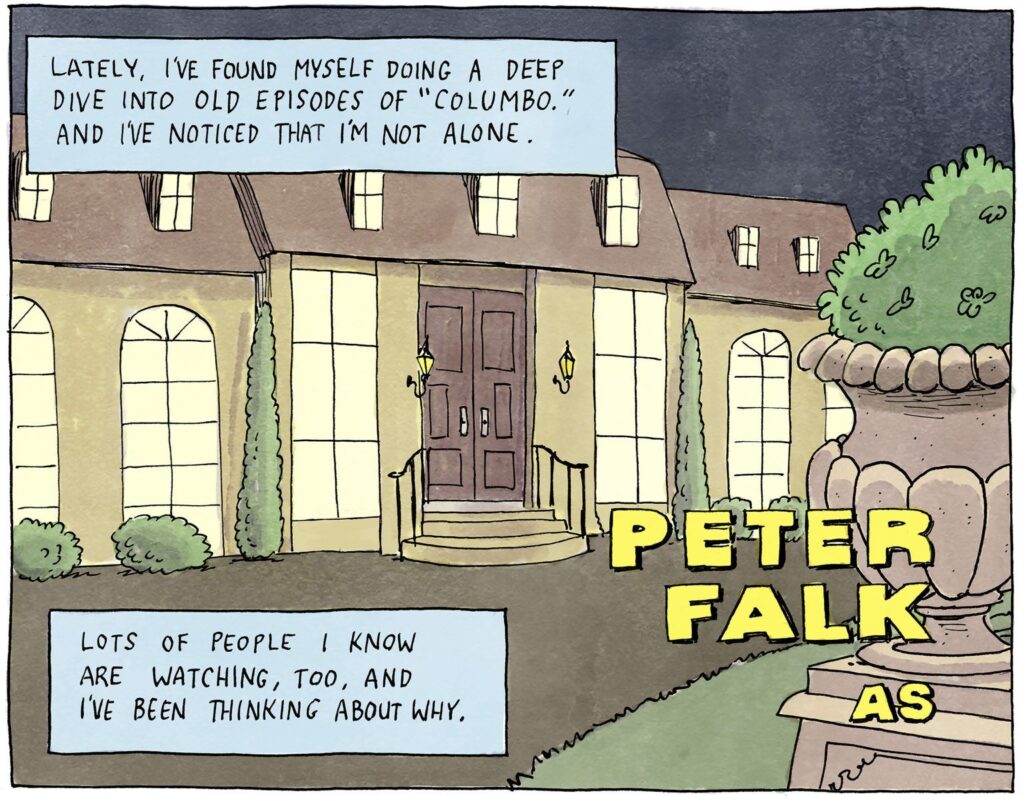
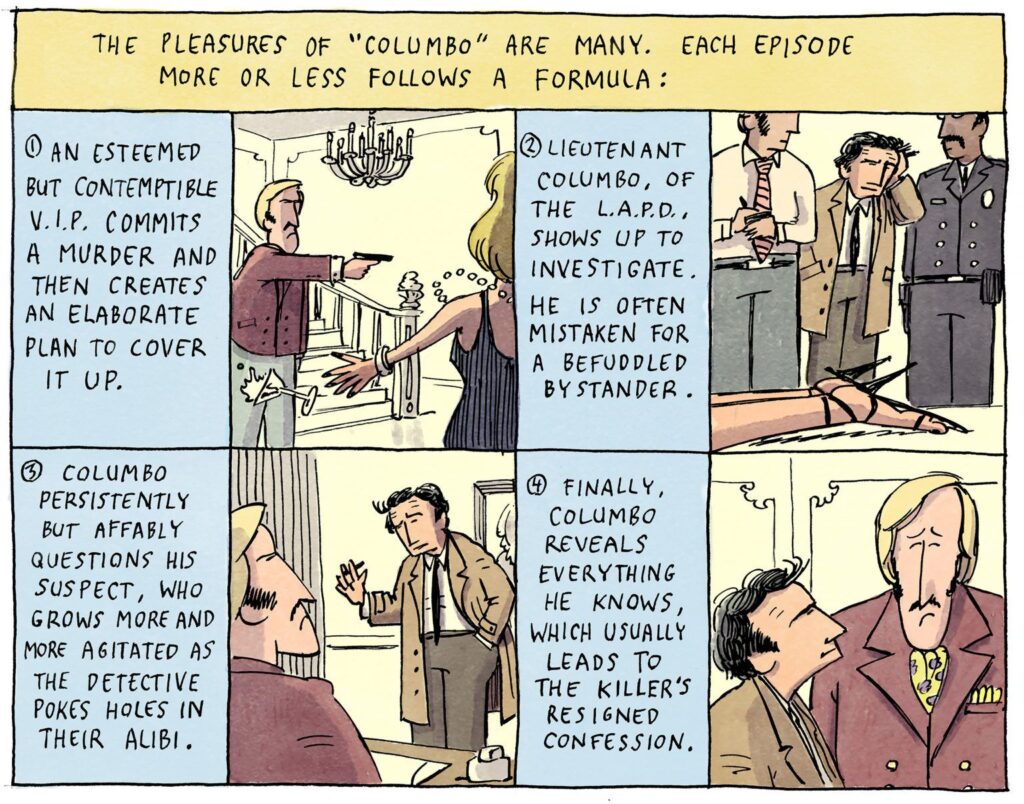
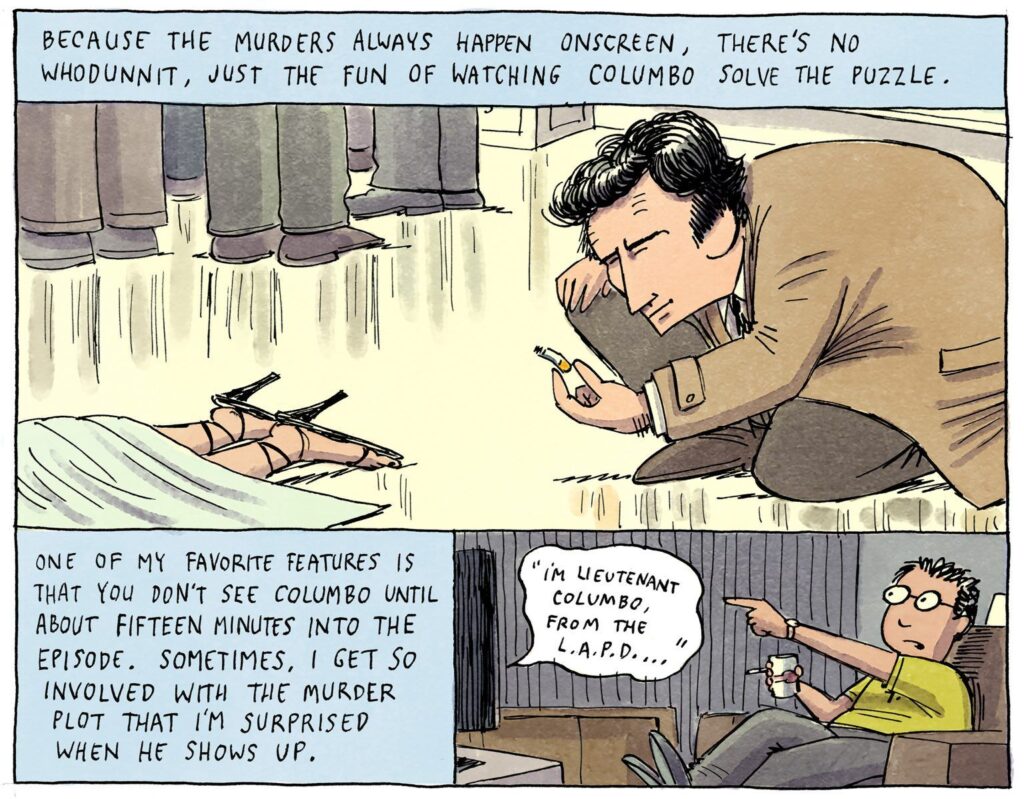
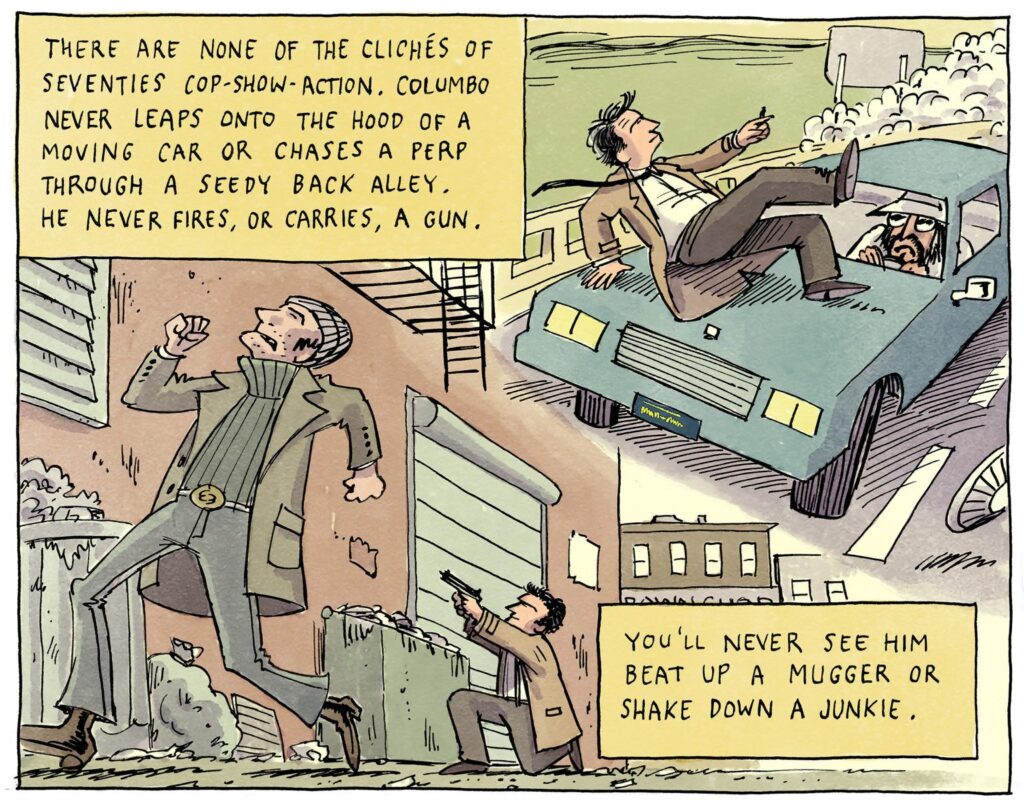
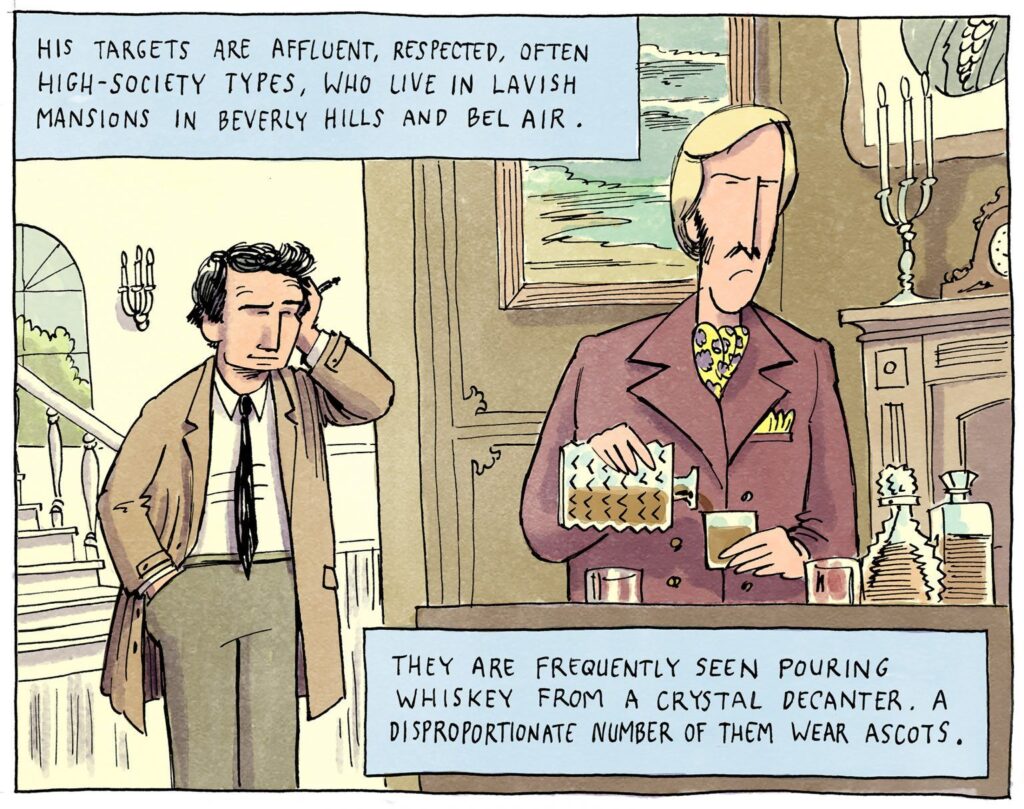
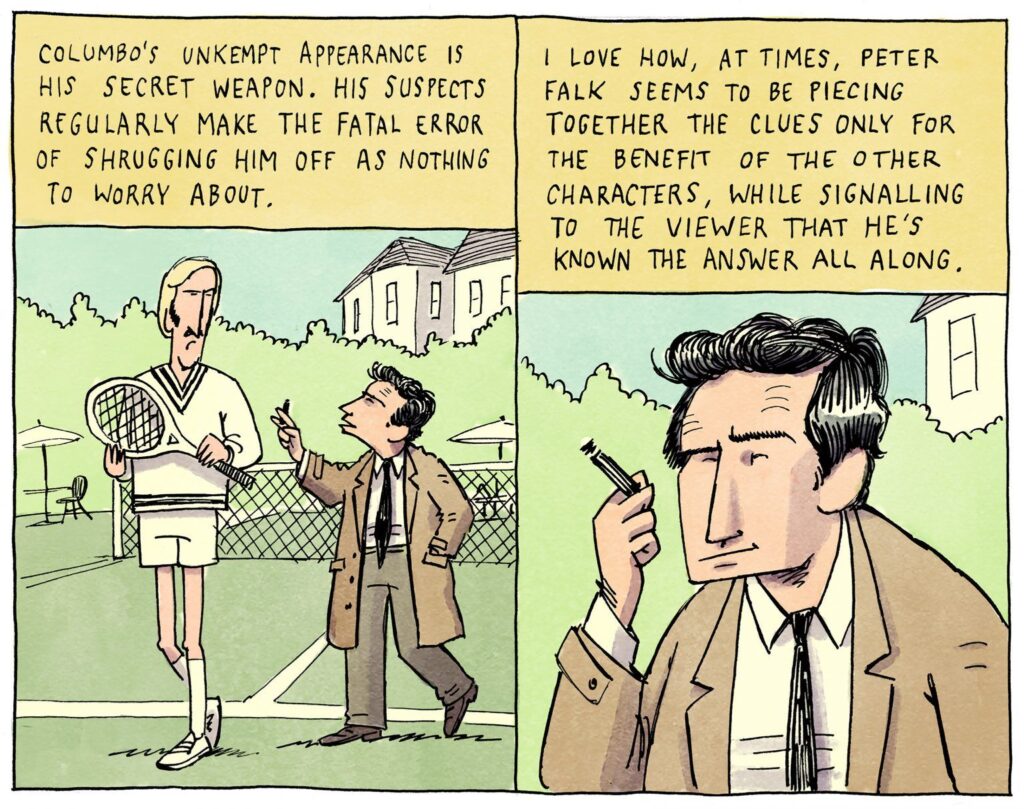
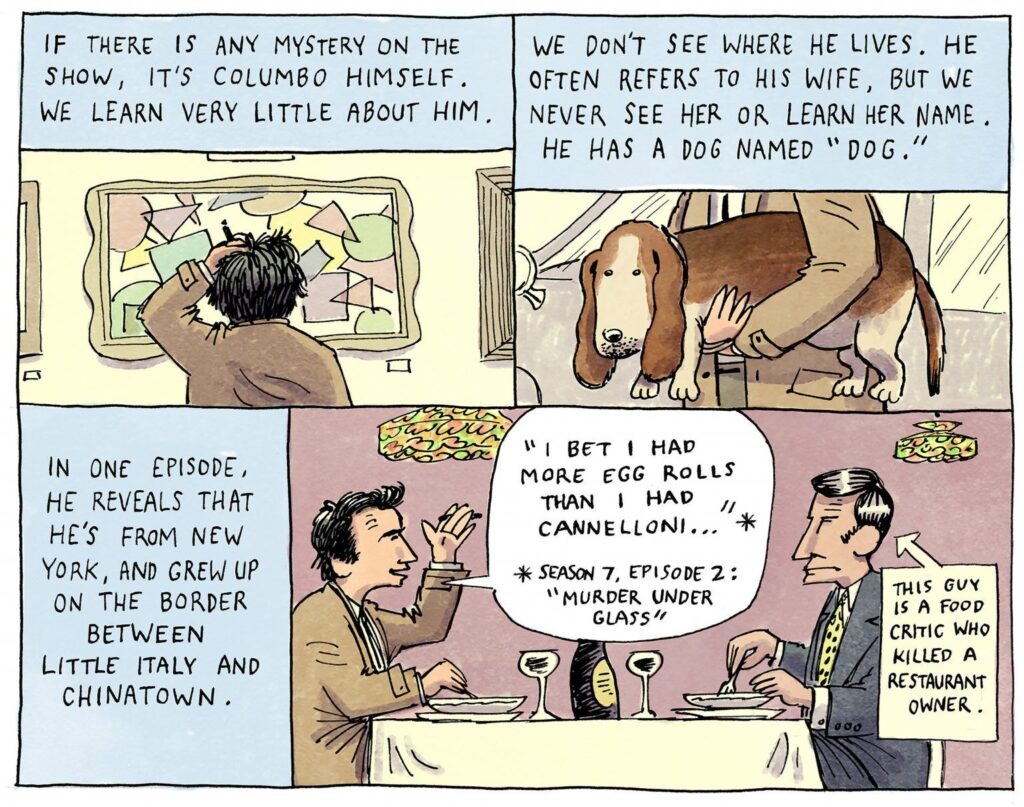
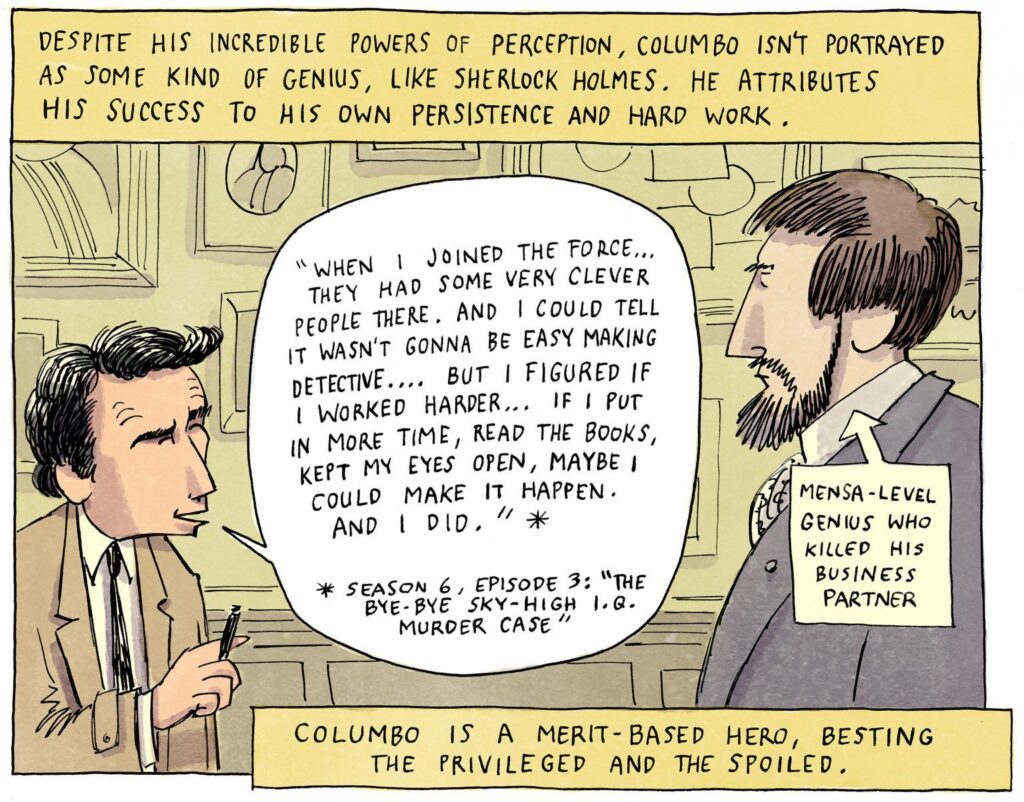
In the episode “Troubled Waters,” the good Lieutenant seems to pass some gas, and it can clearly be heard. After Columbo first examines the crime scene, he heads to the doctor’s office to get help for his seasickness. Just as he reaches the top of the steps, just before he reaches the doctor’s door, you can clearly hear two farts. He even sighs after the first one. Now, I thought it might have been the floor creaking or the ship settling, but that particular sound is never heard again in the episode. So, say what you will, but I’m convinced it’s a fart, and the sound guy missed it… or perhaps they left it in. After all, he was experiencing problems with his tummy.


Link to self-contained html
Latest ver:
https://svonberg.org/wp-content/uploads/2026/02/x4paper2.html
Added a dungeon and a pollack, and variant aliens
https://svonberg.org/wp-content/uploads/2026/02/x4paper3.html
Original:
https://svonberg.org/wp-content/uploads/2026/02/x4paper.html
# Animated 1-Bit Widget
A single-file, canvas-based generative art widget.
Animated procedural backgrounds, pixel-style drawing, and BMP export — all in vanilla JavaScript.
—
## Features
– Animated procedural patterns
– Pixel-style drawing (mouse + touch)
– Text stamping tool
– Speed control and pause
– Export to BMP (client-side, no server)
– Mobile-friendly UI
—
## Usage
1. Download or clone the repo
2. Open the HTML file in a modern browser
3. Tap the menu button to change modes or export
No build steps. No dependencies.
—
## Tech
– HTML5 Canvas
– Vanilla JavaScript
– Tailwind CSS (CDN)
—
## Export
Snapshots combine background + drawing layers and are saved as uncompressed BMP files for crisp pixel output.
—
## License
Free to use, modify, and remix.
heads up to the american news media: I do not care what racists thought of the super bowl halftime show
First time outside in a week and the world felt louder than I remembered. Snow still everywhere, piled and packed and sparkling under a painfully blue sky. I had cabin fever bad enough that even just a little pop outside felt like a field trip.
We grabbed breakfast bagels and instead of heading straight home, parked and let the car idle. The food was still warm in my hands, steam fighting the cold, and the mountains just sat there in the distance like they always do, patient and unconcerned. There is something grounding about eating quietly while looking at them, like they are reminding you that time keeps moving even when you have been snowed in and stuck inside your own head.
The parking lot was a mess of plowed snow and sculpted ice. Big chunks tossed aside by machines, frozen into accidental monuments. It was beautiful in that blunt, unpolished way winter does best. Clean but not gentle. (Not even that clean if you look at the parking lots and streets
)
One building had a massive icicle hanging off the roof, long and sharp and honestly a little terrifying. The kind of thing that makes you instinctively drive faster away from it. A reminder that winter does not care about liability or signage. It just hangs there, waiting, daring gravity to do its thing.
We sat longer than planned, hands warming around breakfast, watching sunlight bounce off snow and windows. After a week inside, it felt good just to exist out there again. No agenda, no rush, just bagels, mountains, and the quiet understanding that the world was still here, icy and dangerous and beautiful, waiting for us to step back into it.
#Roanokeva #winterweather #icicle


This evening, around eight, the backyard camera caught a familiar blur moving fast across the frame. One of the neighborhood skunks ran through like it had somewhere important to be, that low, determined waddle turning into a brief sprint before it vanished out of view.
What lingered was what it left behind. A new set of footprints stitched into the fresh snow, crossing and overlapping older tracks from earlier wanderers. The prints were small and neat, almost careful, as if the skunk was aware of its own notoriety and preferred to pass quietly.
I like knowing the backyard stays active after dark. While I am inside, winding down the day, other lives are busy out there, navigating cold ground and open space, following instincts I will never fully understand. The camera only catches a few seconds of it, but the snow keeps a longer memory.
By morning those tracks will probably blur or disappear, erased by sun or wind or the next snowfall. For now, they are proof that even an ordinary night holds movement and purpose, and that our little patch of ground is part of a much larger, unseen routine.
Snow skunk
One of the first dopey programs written in BASIC back in the early ’80s, converted to TI graphing calculator BASIC, and then translated to HTML for the fun of having a flashback to the good ol’ days of Viewtron and coding on the TI-99/4A and IBM PCjr circa 1983.


PROGRAM:SKYLINE
:
:© Setup Window for CE Screen
:AxesOff
:BackgroundOff
:ClrDraw
:0->Xmin
:264->Xmax
:0->Ymin
:165->Ymax
:
:Lbl MN
:Menu(“SELECT SKYLINE”,”Random City”,A,”Paris”,B,”Giza”,C,”Quit”,Q)
:
:© — OPTION A: RANDOM CITY —
:Lbl A
:ClrDraw
:© Draw Sky
:For(I,0,100)
:Pt-On(randInt(0,264),randInt(50,165),WHITE)
:End
:
:© Draw Ground
:Line(0,0,264,0,GRAY)
:
:© Draw Buildings Loop
:0->X
:While X<264
:randInt(15,40)->W
:randInt(20,120)->H
:
:© Building Outline
:Line(X,0,X,H,NAVY)
:Line(X,H,X+W,H,NAVY)
:Line(X+W,H,X+W,0,NAVY)
:
:© Windows
:For(A,X+4,X+W-4,5)
:For(B,10,H-10,8)
:If randInt(0,1)
:Pt-On(A,B,YELLOW)
:End
:End
:
:X+W->X
:End
:Goto Z
:
:© — OPTION B: PARIS —
:Lbl B
:ClrDraw
:© Grass
:Line(0,10,264,10,GREEN)
:
:© Eiffel Tower Legs
:Line(100,10,132,130,BLACK)
:Line(164,10,132,130,BLACK)
:
:© Arches and Decks
:Line(110,45,154,45,BLACK)
:Line(122,85,142,85,BLACK)
:Line(100,10,164,10,BLACK)
:
:© Spire
:Line(132,130,132,150,RED)
:
:© Moon
:Circle(30,140,10,LTBLUE)
:Goto Z
:
:© — OPTION C: GIZA —
:Lbl C
:ClrDraw
:© Sand
:Line(0,20,264,20,ORANGE)
:
:© Great Pyramid
:Line(50,20,110,100,ORANGE)
:Line(110,100,170,20,ORANGE)
:
:© Smaller Pyramid
:Line(150,20,190,70,ORANGE)
:Line(190,70,230,20,ORANGE)
:
:© Sun
:Circle(200,140,15,YELLOW)
:Goto Z
:
:© — CLEANUP —
:Lbl Z
:Text(155,5,”PRESS ENTER”)
:Pause
:ClrDraw
:Goto MN
:
:Lbl Q
:ClrDraw
:AxesOn
:Output(1,1,”Done”)
Html simulation
<!DOCTYPE html>
<html lang=”en”>
<head>
<meta charset=”UTF-8″>
<meta name=”viewport” content=”width=device-width, initial-scale=1.0″>
<title>TI-Basic Skyline Widget</title>
<style>
:root {
–ti-case: #333333;
–ti-screen-bg: #f0f0f0;
–ti-screen-border: #999;
–btn-blue: #3b82f6;
–btn-gray: #4b5563;
}
body {
font-family: ‘Courier New’, Courier, monospace;
background-color: #1a1a1a;
display: flex;
justify-content: center;
align-items: center;
min-height: 100vh;
margin: 0;
color: white;
}
.calculator-case {
background-color: var(–ti-case);
padding: 20px;
border-radius: 20px;
box-shadow: 0 10px 25px rgba(0,0,0,0.5);
width: 100%;
max-width: 400px;
display: flex;
flex-direction: column;
gap: 15px;
}
.screen-container {
background-color: #000;
border: 4px solid #666;
border-radius: 8px;
padding: 2px;
position: relative;
}
canvas {
background-color: #000;
display: block;
width: 100%;
/* 3:2 Aspect Ratio matches standard calculator window broadly */
aspect-ratio: 264 / 165;
border-radius: 4px;
}
.screen-overlay {
position: absolute;
top: 10px;
left: 10px;
color: white;
font-size: 12px;
pointer-events: none;
text-shadow: 1px 1px 0 #000;
}
.controls {
display: grid;
grid-template-columns: 1fr 1fr 1fr;
gap: 10px;
}
button {
padding: 12px;
border: none;
border-radius: 6px;
font-family: inherit;
font-weight: bold;
cursor: pointer;
transition: transform 0.1s, opacity 0.2s;
color: white;
font-size: 0.9rem;
}
button:active {
transform: translateY(2px);
}
.btn-city { background-color: var(–btn-blue); }
.btn-paris { background-color: #8b5cf6; }
.btn-giza { background-color: #d97706; }
.btn-clear {
grid-column: span 3;
background-color: var(–btn-gray);
margin-top: 5px;
}
.status-led {
width: 10px;
height: 10px;
background-color: #22c55e;
border-radius: 50%;
position: absolute;
top: 10px;
right: 10px;
box-shadow: 0 0 5px #22c55e;
}
</style>
</head>
<body>
<div class=”calculator-case”>
<div style=”display: flex; justify-content: space-between; align-items: center; padding: 0 5px;”>
<span style=”font-weight: bold; color: #ccc; letter-spacing: 1px;”>TI-84 Plus CE</span>
<div style=”display:flex; gap: 5px;”>
<div style=”width: 40px; height: 10px; background: #222; border-radius: 2px;”></div>
</div>
</div>
<div class=”screen-container”>
<div class=”status-led”></div>
<div class=”screen-overlay” id=”statusText”>Select Mode</div>
<canvas id=”skylineCanvas” width=”528″ height=”330″></canvas>
</div>
<div class=”controls”>
<button class=”btn-city” onclick=”drawCity()”>F1: City</button>
<button class=”btn-paris” onclick=”drawParis()”>F2: Paris</button>
<button class=”btn-giza” onclick=”drawGiza()”>F3: Giza</button>
<button class=”btn-clear” onclick=”resetScreen()”>CLEAR / MENU</button>
</div>
</div>
<script>
const canvas = document.getElementById(‘skylineCanvas’);
const ctx = canvas.getContext(‘2d’);
const statusText = document.getElementById(‘statusText’);
// Coordinate scaling to match the TI-Basic 0-264 / 0-165 coordinate system
// The canvas is defined as 528×330 (2x scale for crispness)
const SCALE_X = canvas.width / 264;
const SCALE_Y = canvas.height / 165;
// TI-Basic Colors mapped to CSS
const COLORS = {
WHITE: ‘#FFFFFF’,
GRAY: ‘#808080’,
NAVY: ‘#000080’,
YELLOW: ‘#FFFF00’,
GREEN: ‘#008000’,
BLACK: ‘#000000’,
RED: ‘#FF0000’,
LTBLUE: ‘#ADD8E6’,
ORANGE: ‘#FFA500’,
BG_NIGHT: ‘#111111’,
BG_DAY: ‘#87CEEB’
};
// Utility: Draw Line
function line(x1, y1, x2, y2, color, width = 2) {
ctx.beginPath();
// TI coords originate bottom-left usually, but standard canvas is top-left.
// We need to flip Y.
// Input Y: 0 is bottom, 165 is top.
// Canvas Y: 0 is top, 330 is bottom.
const cx1 = x1 * SCALE_X;
const cy1 = canvas.height – (y1 * SCALE_Y);
const cx2 = x2 * SCALE_X;
const cy2 = canvas.height – (y2 * SCALE_Y);
ctx.moveTo(cx1, cy1);
ctx.lineTo(cx2, cy2);
ctx.strokeStyle = color;
ctx.lineWidth = width * 2; // Thicker for visibility
ctx.stroke();
}
// Utility: Draw Point/Rect (filled)
function ptOn(x, y, color) {
const cx = x * SCALE_X;
const cy = canvas.height – (y * SCALE_Y);
ctx.fillStyle = color;
// Draw a small 4×4 pixel block to represent a “pixel” on the TI screen
ctx.fillRect(cx, cy, 4, 4);
}
// Utility: Draw Circle
function circle(x, y, r, color) {
const cx = x * SCALE_X;
const cy = canvas.height – (y * SCALE_Y);
const cr = r * SCALE_X; // Assume uniform scaling
ctx.beginPath();
ctx.arc(cx, cy, cr, 0, 2 * Math.PI);
ctx.fillStyle = color;
ctx.fill();
}
// Utility: Filled Rect (for buildings)
function fillRect(x, y, w, h, color) {
const cx = x * SCALE_X;
// Y is bottom of rect in TI logic
const cy = canvas.height – ((y + h) * SCALE_Y);
const cw = w * SCALE_X;
const ch = h * SCALE_Y;
ctx.fillStyle = color;
ctx.fillRect(cx, cy, cw, ch);
}
function clearDraw(bgColor = COLORS.BG_NIGHT) {
ctx.fillStyle = bgColor;
ctx.fillRect(0, 0, canvas.width, canvas.height);
}
function resetScreen() {
clearDraw(‘#000000’);
statusText.innerText = “MENU: SELECT OPTION”;
ctx.fillStyle = “white”;
ctx.font = “20px monospace”;
ctx.textAlign = “center”;
ctx.fillText(“TI-BASIC SKYLINE”, canvas.width/2, canvas.height/2 – 20);
ctx.font = “16px monospace”;
ctx.fillText(“1: Random City”, canvas.width/2, canvas.height/2 + 20);
ctx.fillText(“2: Paris”, canvas.width/2, canvas.height/2 + 50);
ctx.fillText(“3: Giza”, canvas.width/2, canvas.height/2 + 80);
}
// — OPTION A: RANDOM CITY —
function drawCity() {
clearDraw(COLORS.BG_NIGHT);
statusText.innerText = “Prgm: RUNNING…”;
// Draw Sky (Stars)
for(let i=0; i<50; i++) {
const rx = Math.floor(Math.random() * 264);
const ry = Math.floor(Math.random() * (165 – 50) + 50);
ptOn(rx, ry, COLORS.WHITE);
}
// Draw Ground
line(0, 0, 264, 0, COLORS.GRAY, 4);
// Draw Buildings Loop
let x = 0;
// Helper to prevent infinite loops if logic fails
let safety = 0;
const interval = setInterval(() => {
if (x >= 264 || safety > 50) {
clearInterval(interval);
statusText.innerText = “Done”;
return;
}
const w = Math.floor(Math.random() * (40 – 15) + 15);
const h = Math.floor(Math.random() * (120 – 20) + 20);
// Draw Building Body (Filled for HTML5 aesthetic, outlined in basic)
fillRect(x, 0, w, h, COLORS.NAVY);
// Draw Outline
line(x, 0, x, h, COLORS.WHITE, 1);
line(x, h, x+w, h, COLORS.WHITE, 1);
line(x+w, h, x+w, 0, COLORS.WHITE, 1);
// Windows
for (let a = x + 4; a < x + w – 4; a += 5) {
for (let b = 10; b < h – 10; b += 8) {
if (Math.random() > 0.5) {
ptOn(a, b, COLORS.YELLOW);
}
}
}
x += w;
safety++;
}, 100); // Slight delay for animation effect
}
// — OPTION B: PARIS —
function drawParis() {
clearDraw(‘#1a1a2e’); // Dark blue night
statusText.innerText = “Paris”;
// Grass
line(0, 10, 264, 10, COLORS.GREEN, 3);
// Eiffel Tower Legs
// Using fillPolygon for HTML5 solidity, but lines for outlines
// Left leg
line(100, 10, 132, 130, COLORS.GRAY);
// Right leg
line(164, 10, 132, 130, COLORS.GRAY);
// Arches and Decks
line(110, 45, 154, 45, COLORS.WHITE);
line(122, 85, 142, 85, COLORS.WHITE);
line(100, 10, 164, 10, COLORS.WHITE);
// Spire
line(132, 130, 132, 150, COLORS.RED);
// Moon
circle(30, 140, 10, COLORS.LTBLUE);
statusText.innerText = “Done”;
}
// — OPTION C: GIZA —
function drawGiza() {
clearDraw(COLORS.BG_DAY); // Sky blue
statusText.innerText = “Giza”;
// Sand
// Fill bottom
ctx.fillStyle = COLORS.ORANGE;
ctx.fillRect(0, canvas.height – (20 * SCALE_Y), canvas.width, 20 * SCALE_Y);
// Great Pyramid (Filled Triangle)
ctx.beginPath();
ctx.moveTo(50 * SCALE_X, canvas.height – (20 * SCALE_Y));
ctx.lineTo(110 * SCALE_X, canvas.height – (100 * SCALE_Y));
ctx.lineTo(170 * SCALE_X, canvas.height – (20 * SCALE_Y));
ctx.fillStyle = ‘#cd853f’; // Darker orange
ctx.fill();
// Outline
line(50, 20, 110, 100, ‘black’, 1);
line(110, 100, 170, 20, ‘black’, 1);
// Smaller Pyramid
ctx.beginPath();
ctx.moveTo(150 * SCALE_X, canvas.height – (20 * SCALE_Y));
ctx.lineTo(190 * SCALE_X, canvas.height – (70 * SCALE_Y));
ctx.lineTo(230 * SCALE_X, canvas.height – (20 * SCALE_Y));
ctx.fillStyle = ‘#d2691e’; // Chocolate
ctx.fill();
// Outline
line(150, 20, 190, 70, ‘black’, 1);
line(190, 70, 230, 20, ‘black’, 1);
// Sun
circle(200, 140, 15, COLORS.YELLOW);
statusText.innerText = “Done”;
}
// Initial Load
resetScreen();
</script>
</body>
</html>
https://svonberg.org/wp-content/uploads/2026/02/randomworlds.html